Buying a demand-side platform is not just a software decision. It affects how your team buys media, controls data, manages bids, tracks performance, and protects ad spend. That is why checking every key DSP feature before buying helps you avoid a platform that is hard to scale or measure.
Many advertisers start with a DSP because they want better reach, faster buying, and stronger automation. But after launch, hidden limits often appear. Reporting may be too shallow. Inventory access may be unclear. Bidding logic may be locked. Platform fees may reduce margin.
That is why evaluating every DSP feature before buying is important. A good DSP should help advertisers, agencies, and media buyers control programmatic buying with more transparency, better optimization, and a clear path to growth.
What DSP Features Should You Check Before Buying?
A demand-side platform helps advertisers buy digital ad inventory across exchanges, SSPs, apps, websites, video, CTV, and other digital channels. But not every DSP gives the same level of control.
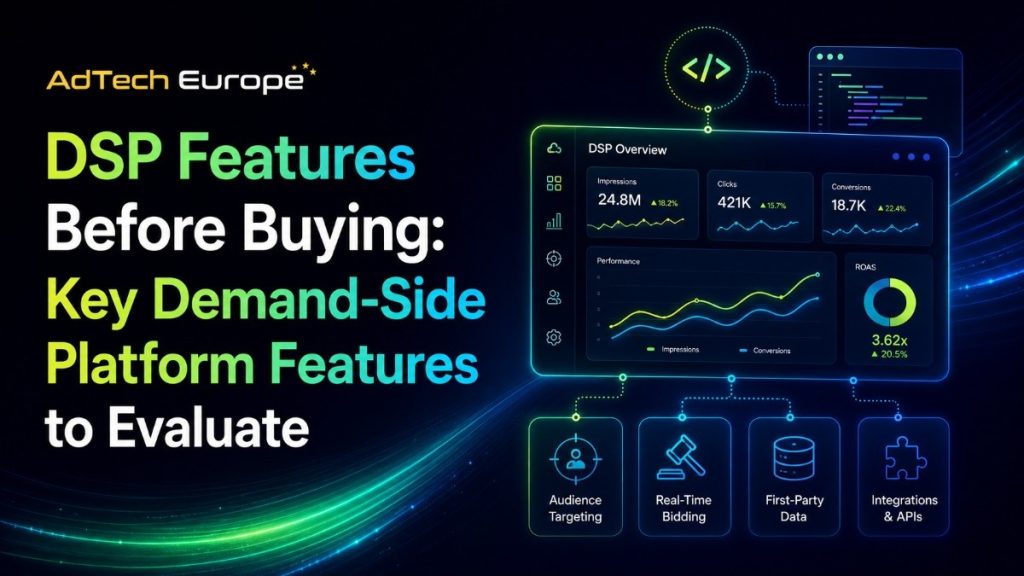
Before choosing one, compare the platform across buying access, campaign controls, data visibility, automation, reporting, compliance, and ownership. A full programmatic buying guide can also help teams understand how DSPs fit into the wider advertising ecosystem.
The best DSP is not always the one with the most features. It is the one that matches your business model, campaign volume, data needs, and long-term media buying goals.
DSP Feature Evaluation Table
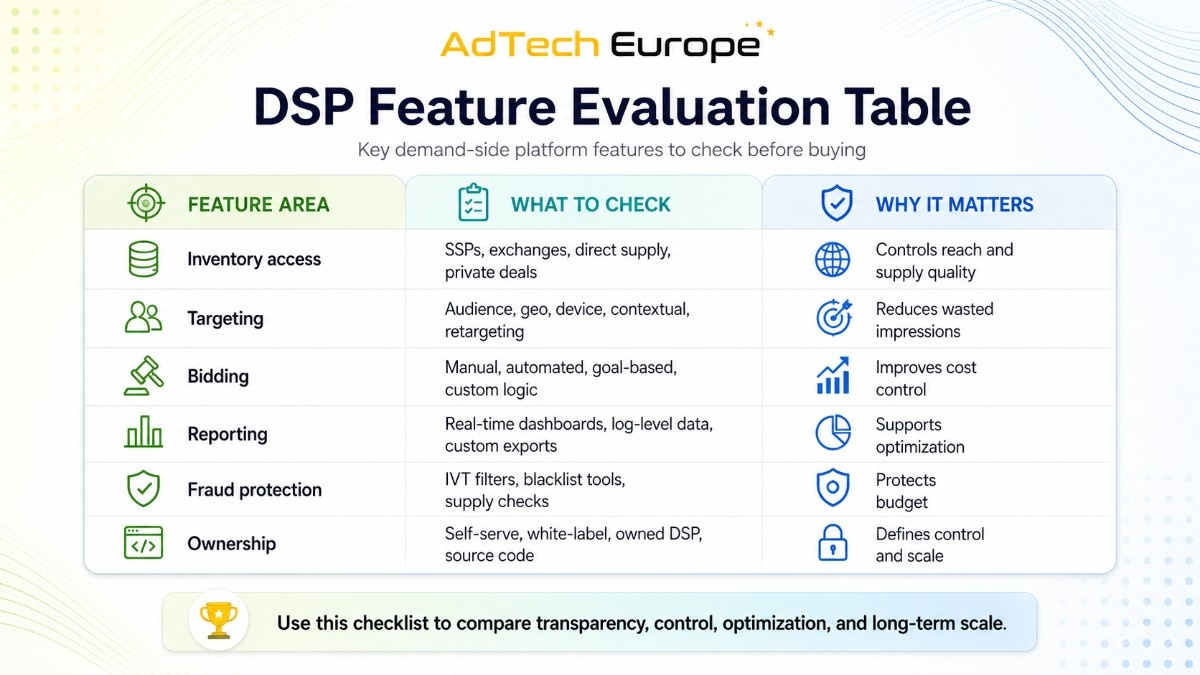
| Feature Area | What to Check | Why It Matters |
| Inventory access | SSPs, exchanges, direct supply, private deals | Controls reach and supply quality |
| Targeting | Audience, geo, device, contextual, retargeting | Reduces wasted impressions |
| Bidding | Manual, automated, goal-based, custom logic | Improves cost control |
| Reporting | Real-time dashboards, log-level data, custom exports | Supports optimization |
| Fraud protection | IVT filters, blacklist tools, supply checks | Protects budget |
| Ownership | Self-serve, white-label, owned DSP, source code | Defines control and scale |
This table gives a fast view of what matters most. The sections below explain how to evaluate each area before signing a DSP contract or buying your own platform.
Inventory Access and Supply Quality
Inventory access is one of the first DSP features to evaluate. A DSP should connect your campaigns to the right websites, apps, video placements, ad exchanges, SSPs, and direct supply partners.
But more inventory does not always mean better performance. Large supply pools can include duplicate auctions, low-quality placements, weak traffic, or paths with too many resellers. Quality matters more than raw volume.
For teams that need reliable supply paths, AdTech Europe’s inventory access options can support campaigns that depend on stronger media quality, clearer integrations, and scalable programmatic reach.
OpenRTB and Supply Integrations
A strong DSP should support OpenRTB integrations, which allow buyers and sellers to communicate through a standard programmatic bidding protocol. This matters when your business wants to connect with SSPs, ad exchanges, or custom inventory partners.
Ask whether the platform supports bid request processing, bid response logic, deal IDs, creative approval workflows, and supply partner onboarding. These details affect launch speed and campaign scale.
If your business needs custom integrations, bidder changes, or special workflows, custom adtech development may be more valuable than using a locked third-party platform.
Supply Path Transparency
Supply path transparency helps advertisers understand where impressions come from and who is involved in selling them. This is important because programmatic auctions can pass through several intermediaries before the bid reaches the publisher.
Look for support around ads.txt, app-ads.txt, sellers.json, SupplyChain object, domain transparency, app bundle checks, and reseller visibility. These signals help your buying team avoid unclear or risky paths.
A DSP should make supply quality visible, not hidden behind broad inventory labels.
Audience Targeting and Data Control
Targeting is one of the most important DSP features before buying. Your platform should help you reach the right people without wasting impressions on users who are unlikely to convert.
Common targeting options include geography, device, browser, operating system, language, placement, time of day, content category, audience segment, retargeting pool, and first-party data list.
Advertisers using DSP marketing workflows often need targeting that connects campaign planning, audience segmentation, bidding, and reporting in one place.
The key question is simple: can the DSP use your data in a practical way? If you cannot upload, segment, activate, and measure your data, the platform may limit long-term performance.
Bidding and Optimization Features
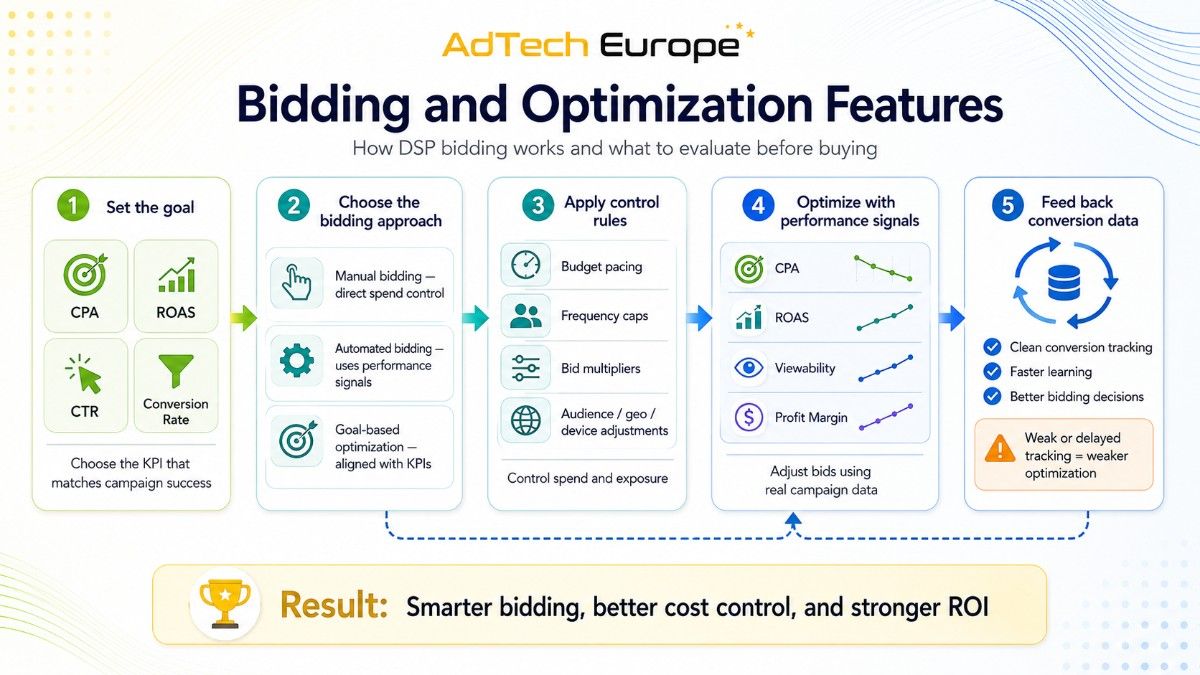
Bidding controls decide how your budget competes in auctions. A basic DSP may only allow simple bid caps, while a stronger DSP should offer more advanced options such as:
- Manual bidding for direct control over spend
- Automated bidding based on performance signals
- Budget pacing to manage daily and total spend
- Frequency rules to limit ad exposure per user
- Bid multipliers for device, geo, or audience segments
- Goal-based optimization aligned with campaign KPIs
- Custom bidder logic for advanced strategies
For performance advertisers, bidding should connect directly to key metrics, including:
- CPA (Cost Per Acquisition)
- ROAS (Return on Ad Spend)
- CTR (Click-Through Rate)
- Conversion rate
- Viewability
- Profit margin
A DSP that only optimizes toward clicks may not support deeper business goals.
Smart bidding also depends on clean feedback loops. If conversion tracking is delayed or incomplete, the algorithm may optimize toward weak signals. Teams focused on ROI should understand how smart bidding strategies use data to improve campaign decisions.
Reporting, Analytics, and Log-Level Data
Reporting is where many DSP buyers discover platform limits. A dashboard may look good during a demo, but the real test is whether it helps your team make better decisions every day.
Check whether the DSP provides real-time reporting, custom dashboards, API exports, campaign-level metrics, placement reports, creative reports, geo reports, device reports, conversion reports, and spend breakdowns.
This depth matters in 2026 because IAB Europe found that only 17% of respondents activate the majority of campaigns across channels, making unified DSP reporting essential for teams that compare performance across display, video, CTV, and audio.
For agencies and media buyers, log-level data can be a major advantage. It gives deeper visibility into impressions, bids, wins, losses, costs, domains, apps, and conversion paths.
Strong reporting also helps reduce wasted spend. This connects directly with the need to improve ad performance through better visibility and faster optimization.
Brand Safety and Fraud Protection
- Ad fraud can drain budgets fast. A DSP should help your team avoid invalid traffic, suspicious placements, fake apps, domain spoofing, bot activity, and unsafe content environments.
- Before buying, ask how the platform handles fraud signals, blacklist management, whitelist buying, domain verification, app bundle review, creative scanning, and traffic source scoring.
- The best setup gives buyers both automated protection and manual control. Automated filters help catch common risks, while manual controls let experienced teams block poor sources based on campaign data.
- Fraud protection should not be treated as an add-on. It should be part of the platform’s buying logic, reporting, and optimization process.
Privacy, Consent, and Data Compliance
A DSP must support privacy-aware advertising. This is especially important for advertisers working with European users, regulated industries, or first-party customer data.Check whether the platform supports consent signals, data retention rules, user deletion workflows, role-based access, secure data transfer, and clear vendor responsibilities.
Privacy is not only a legal issue. It also affects campaign quality. If consent signals are missing or data is handled poorly, targeting, measurement, and attribution may become unreliable.
Advertisers comparing programmatic DSP basics should treat compliance as a core buying feature, not a final checklist item.
Campaign Management and Workflow Usability
A DSP should make campaign setup faster, not more confusing. A clean workflow helps teams launch, test, pause, adjust, and report campaigns without depending on technical support for every change.
Important workflow features include campaign cloning, bulk uploads, approval status, creative library, budget pacing, frequency caps, team permissions, client accounts, and clear error messages.
For agencies, usability also affects client service. If account managers cannot quickly find performance issues, campaigns may lose money before anyone notices.
Media teams managing many campaigns should also review how DSP media buying works across planning, activation, optimization, and reporting.
Scalability, Speed, and Infrastructure
A DSP must be able to handle traffic volume without slowing down. This includes bid request processing, QPS capacity, server response times, reporting speed, campaign updates, and data storage.
If your business plans to scale, ask about infrastructure limits early. A low-cost DSP may work for small campaigns but struggle with higher bid volume, more supply partners, or complex targeting rules.
Scalability matters even more for ad networks, agencies, and platform owners. When your team controls larger media budgets, platform speed can affect win rates, pacing, and campaign stability.
If long-term independence is the goal, DSP ownership can give more control over infrastructure, custom logic, integrations, and platform economics.
Self-Serve DSP vs White-Label DSP vs Owned DSP
Not every buyer needs the same type of DSP. Some teams need simple campaign access. Others need a branded platform. More advanced teams may need ownership, source-code access, and custom infrastructure.
| DSP Model | Best For | Main Advantage | Main Limit |
| Self-serve DSP | Advertisers starting programmatic buying | Fast access | Limited control |
| White-label DSP | Agencies wanting a branded interface | Client-facing platform | Vendor dependency |
| Owned DSP | Agencies, ad networks, DSP owners, media buyers | Deeper control | Requires planning |
| Source-code DSP | Businesses building adtech IP | Maximum flexibility | Needs technical management |
For agencies deciding between access and ownership, the key question is whether you only want to buy media or build long-term platform value. That is why many teams compare agency DSP control before choosing a model.
Questions to Ask Before Buying a DSP
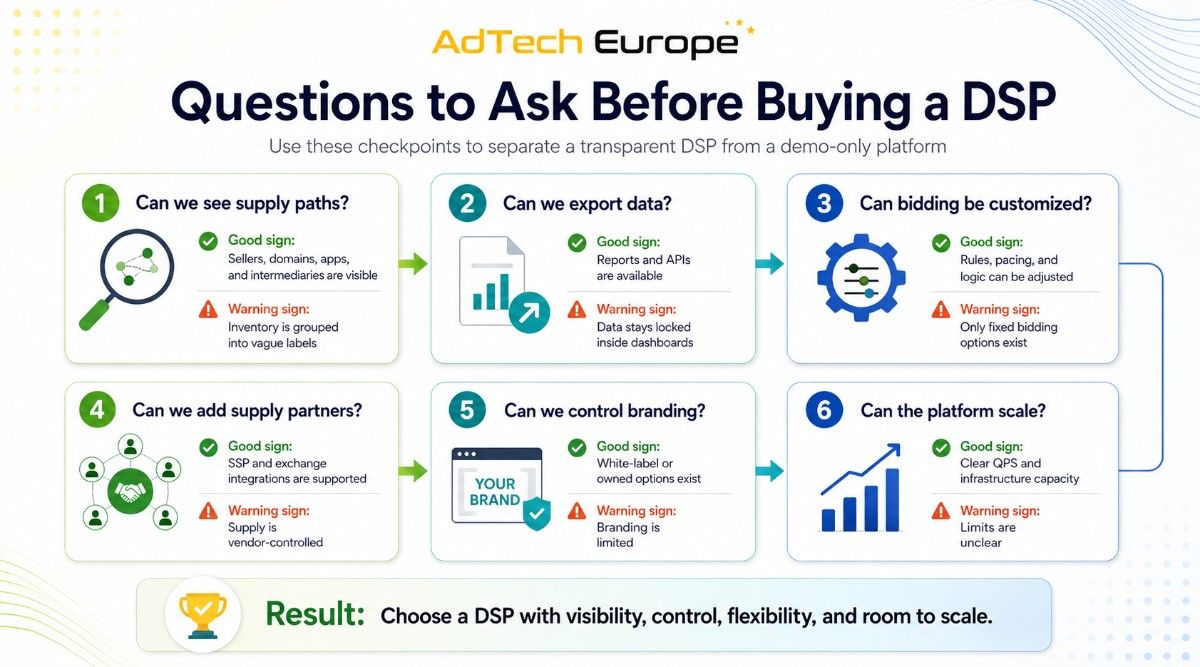
| Question | Good Sign | Warning Sign |
| Can we see supply paths? | Sellers, domains, apps, and intermediaries are visible | Inventory is grouped into vague labels |
| Can we export data? | Reports and APIs are available | Data stays locked inside dashboards |
| Can bidding be customized? | Rules, pacing, and logic can be adjusted | Only fixed bidding options exist |
| Can we add supply partners? | SSP and exchange integrations are supported | Supply is vendor-controlled |
| Can we control branding? | White-label or owned options exist | Branding is limited |
| Can the platform scale? | Clear QPS and infrastructure capacity | Limits are unclear |
These questions help separate a useful DSP from a platform that only looks strong in a demo.
Common Mistakes to Avoid Before Buying
Many DSP buyers focus too much on dashboard design and not enough on control. A clean interface is useful, but it does not guarantee supply quality, better bidding, or deeper reporting.
Another mistake is choosing based only on CPM. Cheap media can become expensive if traffic quality is low, conversions are weak, or fraud filters are poor.
Some agencies also ignore ownership too long. If your business depends on programmatic revenue, client reporting, custom bidding, or supply partnerships, a rented platform may limit growth.
Before choosing, compare your goals with real buying needs. Use practical DSP advertising examples to understand how features affect campaign results in different use cases.
Final Checklist: Best DSP Features Before Buying
Before buying a DSP, make sure the platform gives your team enough control over media, data, bidding, reporting, and growth.
A strong DSP should include:
- Transparent inventory and supply paths
- Advanced targeting and first-party data use
- Flexible bidding and pacing controls
- Real-time reporting and exportable data
- Fraud protection and brand safety tools
- Scalable infrastructure and ownership options
If a platform cannot explain these areas clearly, keep evaluating. A DSP should make your media buying more transparent, not more dependent on a black box.
Ready to Own Your Programmatic DSP?
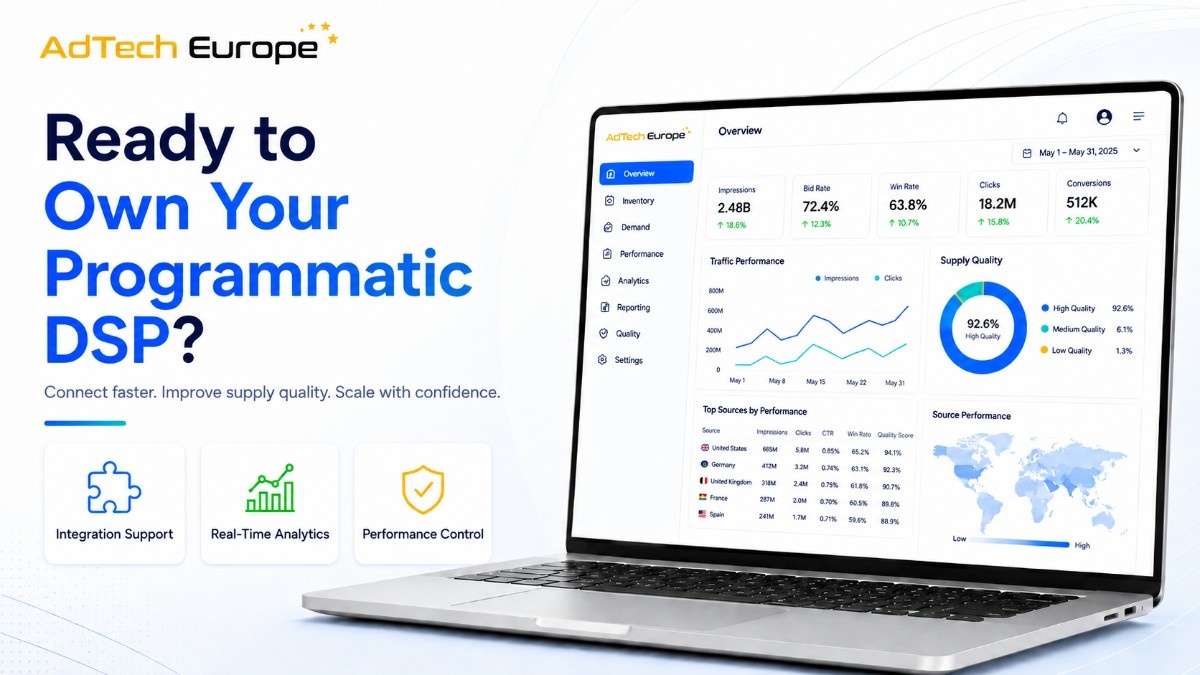
AdTech Europe helps advertisers, agencies, media buyers, ad networks, and DSP owners acquire a fully owned demand-side platform with source-code access, white-label branding, programmatic supply integrations, and scalable infrastructure.
Whether you want to launch your own DSP business, reduce dependence on third-party platforms, control your bidding logic, or build long-term programmatic revenue, AdTech Europe gives you the technology, integrations, transparency, and ownership needed to operate your own DSP with confidence.
To discuss your platform goals,book a DSP consultation with AdTech Europe.
FAQs
1. How much technical knowledge do I need before buying a DSP?
You do not need to be a developer, but you should understand campaign goals, traffic sources, targeting needs, reporting needs, and budget control. If you plan to own or customize a DSP, technical support becomes more important.
2. Should I test a DSP before committing?
Yes. A test campaign helps you check inventory quality, reporting accuracy, optimization speed, support quality, and real campaign performance. A demo shows features, but a test shows how the platform works with your goals.
3. What budget should I have before using a DSP?
There is no single budget for every advertiser. Small advertisers may start with self-serve access, while agencies and ad networks need larger budgets to justify ownership, integrations, and custom infrastructure.
4. Can I migrate campaigns from one DSP to another?
Yes, but migration depends on data access. You may need to move creatives, audience lists, pixels, campaign settings, reports, blocklists, whitelists, and conversion tracking. Exportable data makes migration much easier.
5. Is source-code access necessary for every DSP buyer?
No. Source-code access is useful for businesses that want deeper control, custom features, owned technology, special integrations, or long-term adtech value. Basic advertisers may only need self-serve campaign access.
6. What is the difference between DSP features and DSP services?
DSP features are the tools inside the platform, such as targeting, bidding, reporting, and fraud control. DSP services may include setup, support, managed campaigns, custom development, onboarding, and strategy help.
7. How do I know if a DSP is transparent?
A transparent DSP shows where ads run, how bids are made, what fees apply, which supply partners are used, and how results are measured. If these details are hidden, campaign control becomes harder.
8. Can one DSP support multiple clients or brands?
Yes, but you need the right account structure. Look for multi-account access, client-level reporting, user permissions, separate billing views, campaign folders, and white-label options if you manage campaigns for other businesses.